Learn Korean: Hangul Start · Meet the app
Meet Learn Korean: read Hangul in your first lessons
Patcell rebuilt Learn Korean from scratch as a course for complete beginners: read Hangul, write every letter stroke by stroke, then everyday words, sentences and short conversations on iPhone and iPad.
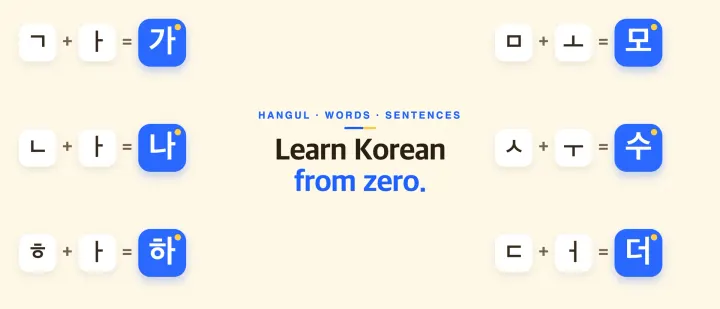
What does 안녕하세요 say? If those shapes look like a puzzle today, they don’t have to stay that way for long.
Could you read Korean after ten short lessons?
That is the idea behind Learn Korean: Hangul Start. For version 2.1.2 we rebuilt the app from scratch and built a proper course for people who know no Korean at all: first the Hangul letters, then everyday words, simple sentence patterns and short conversations. It is on the App Store for iPhone, iPad and iPhone Duo.
Learn Korean: Hangul Start is available for iPhone and iPad on the App Store (iOS 26 or later). Free, with a few full-screen ads between lessons and an optional one-time Remove Ads purchase. No ads appear inside a lesson.

Hangul first
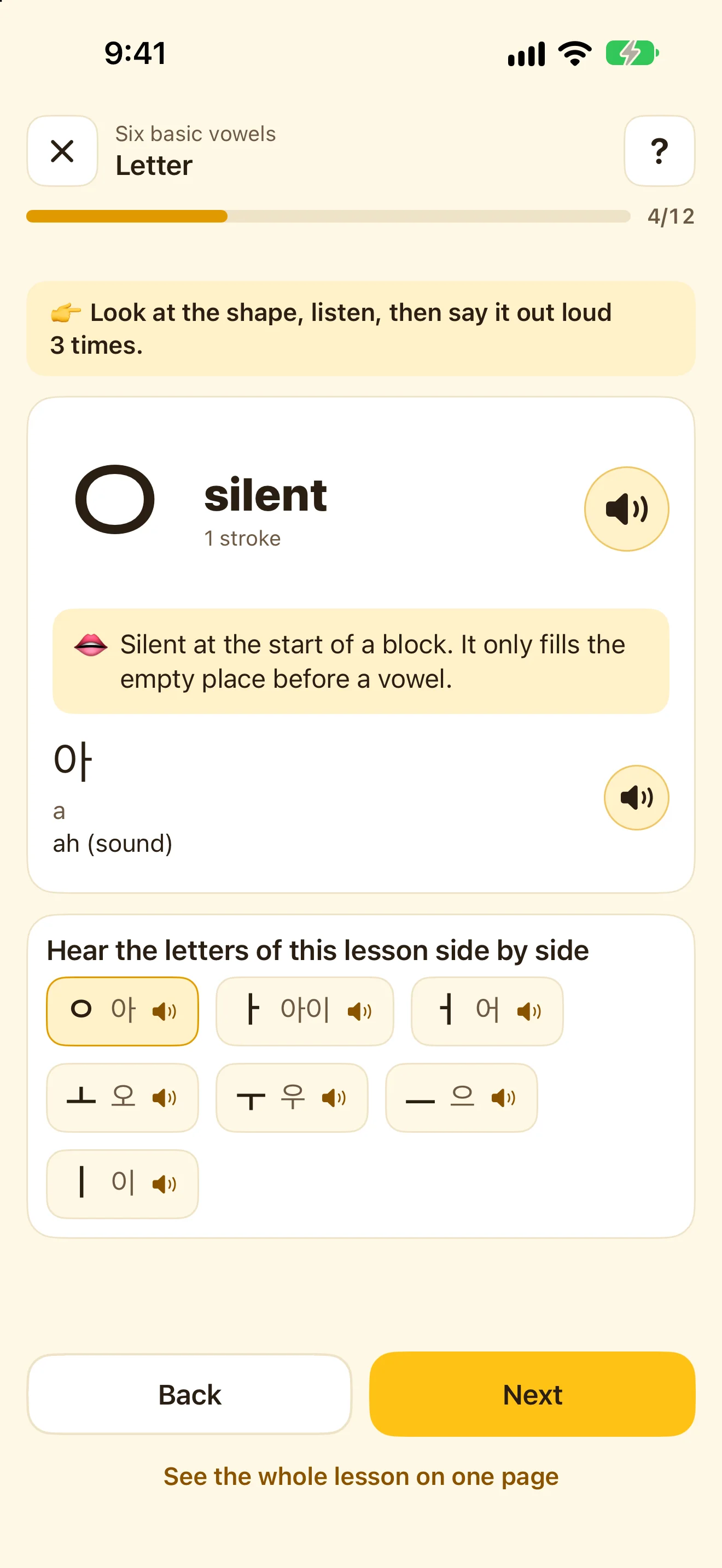
Korean letters snap together into syllable blocks: ㅎ + ㅏ + ㄴ make 한 (han). Learn the pieces and you can sound out words you have never seen. So the course starts there. Ten Hangul lessons cover the vowels, consonants, double consonants and final consonants (patchim), each with a model voice and tips on the shape. By the end of that stage you can read Korean script.
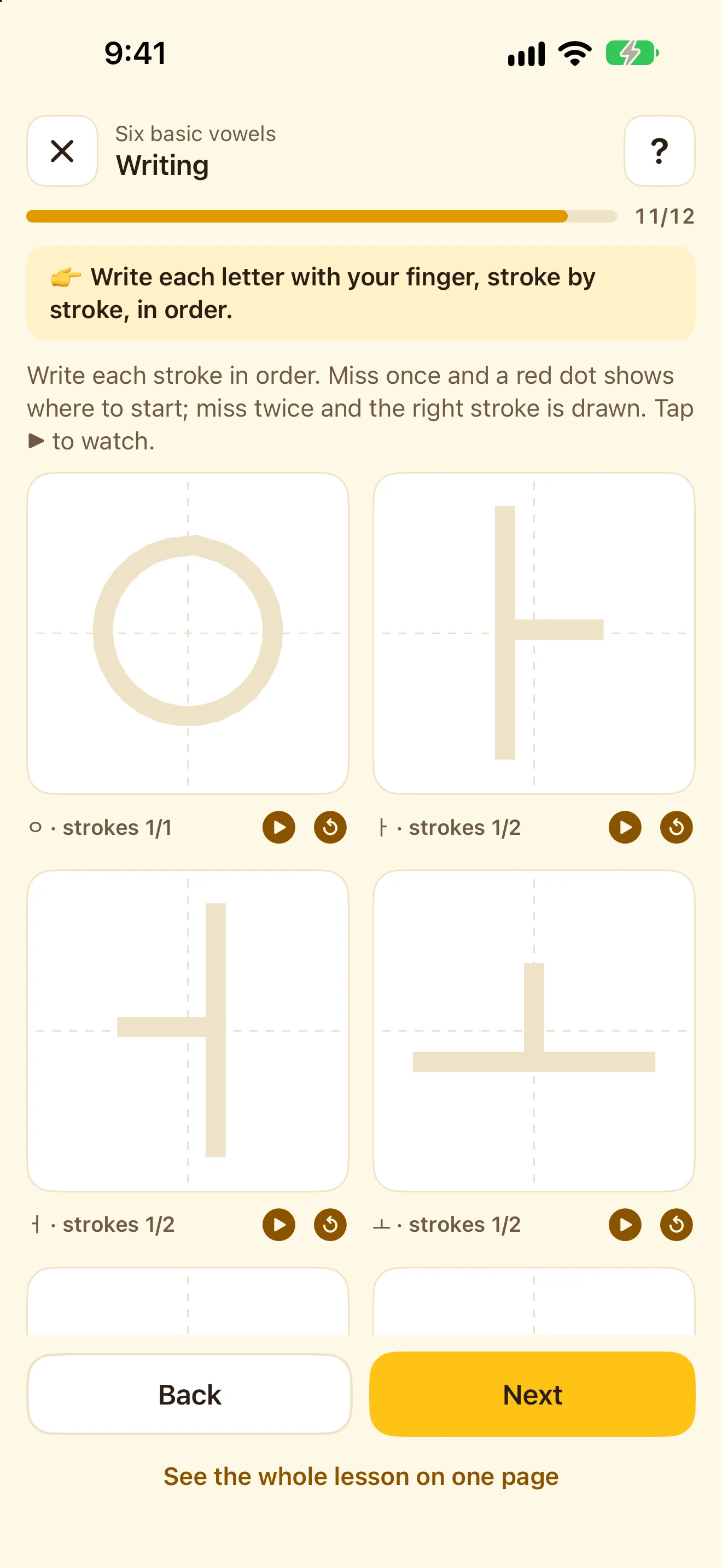
You also write every letter. Trace it stroke by stroke, in the right order. Miss once and we show you where to start; miss again and the app draws the stroke for you.
Then words, sentences and conversations
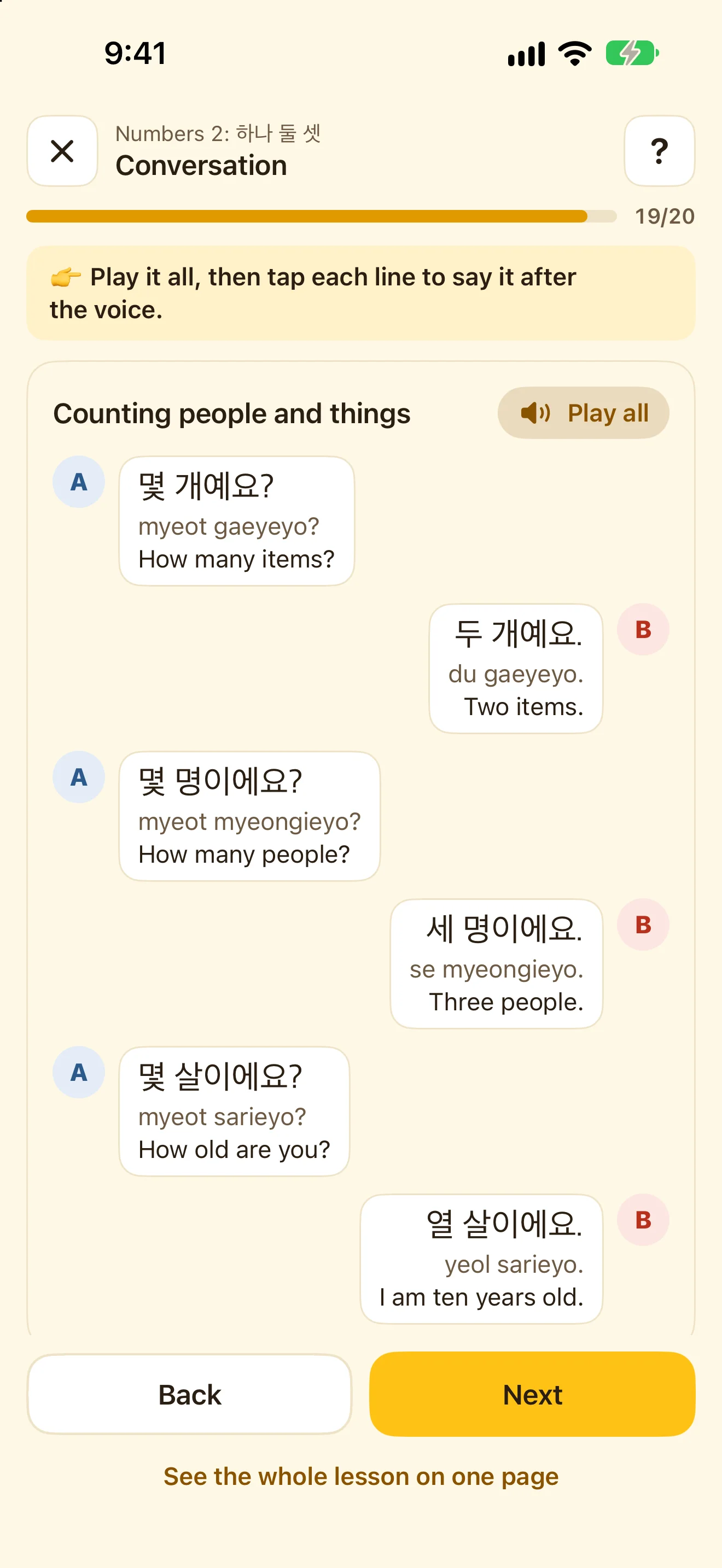
After Hangul come two levels: First conversations (15 lessons: greetings, numbers, time, food, shopping, family) and Everyday Korean (14 lessons: getting around, asking the way, seeing a doctor, feelings, a trip to Korea). Across the course there are 345 words, 62 grammar points and 29 short dialogues.
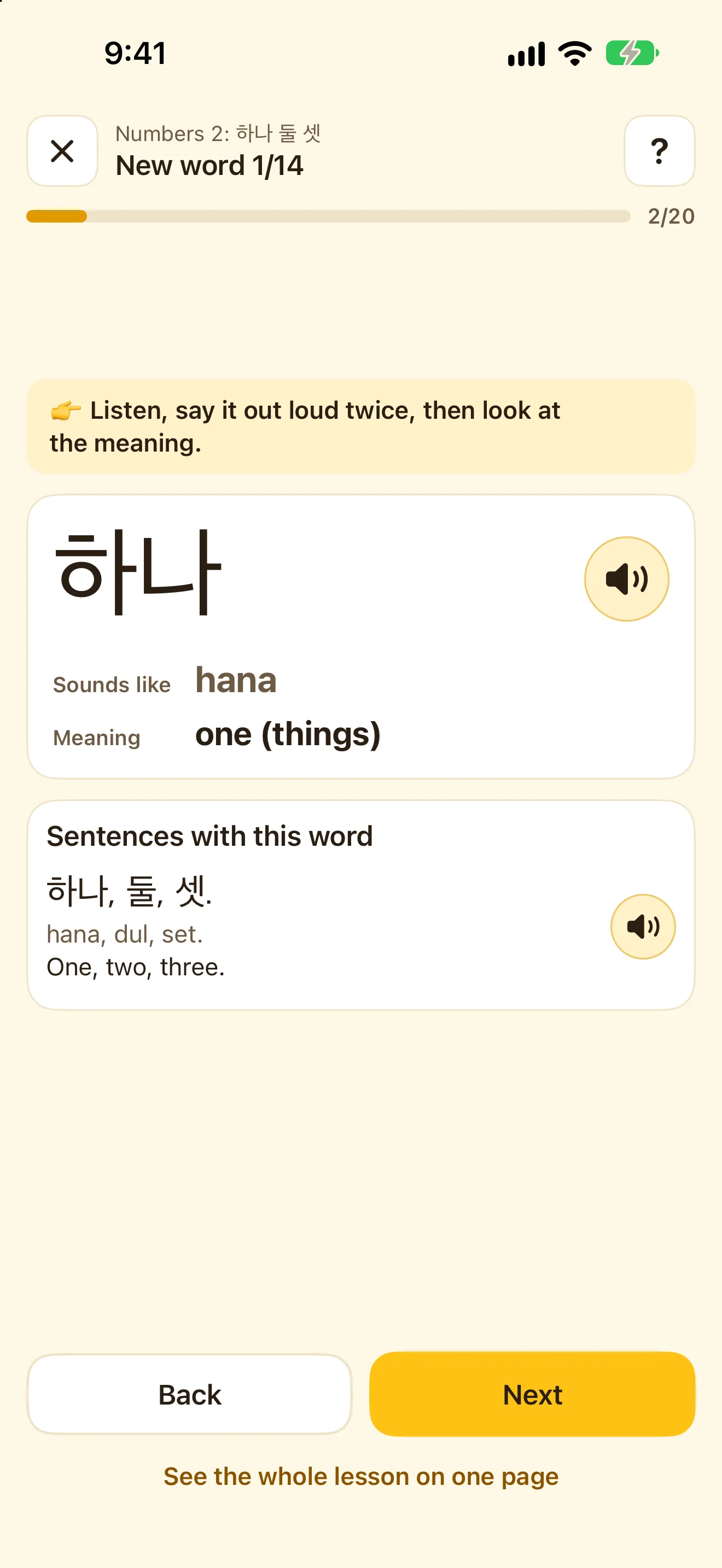
Each lesson shows one thing per screen with a clear line telling you what to do now. Then come a few quick questions: listen, read, choose, build the sentence from tiles, or a short quiz. Every answer is explained.
Review at the right moment
New words and the questions you missed go into memory boxes and come back after 1, 3, 7, 14 and 30 days, just as you are about to forget them. The Today screen shows your next lesson, today’s review and your progress through the course.
Made to be comfortable
- Romanisation you can switch off when you are ready to read Hangul on its own.
- «I already know this»: a short check to skip the Hangul stage.
- Voice speed: the Korean voice is the iPhone’s built-in voice, and you can slow it down.
- English or Vietnamese interface. Vietnamese speakers can also see the Hán Việt reading of Sino-Korean words, which makes many of them instantly familiar.
- Offline, no account, on iPhone, iPad and iPhone Duo, where the open inner screen shows lessons in two columns.
Learn Korean is free, with a few full-screen ads between lessons, never inside one. A one-time, restorable Remove Ads purchase turns them off.
Look. Listen. Write. Read Korean.
Explore Patcell’s Showcase, visit Learn Korean support or read the privacy policy. Images are official Learn Korean screenshots supplied by Patcell; tap an image to view it at full size.
Your next move starts here
Play Learn Korean: Hangul Start
Learn Korean from zero.
Free to play · Ads & optional purchases
Official store downloads · Available in supported regions