
Picadeck · How to play
How to Play Picadeck: First Steps in a Card Dungeon
How to play Picadeck: read the board, choose a Charm and face your first boss in Patcell’s swipe-card dungeon for iPhone, iPad and Android.
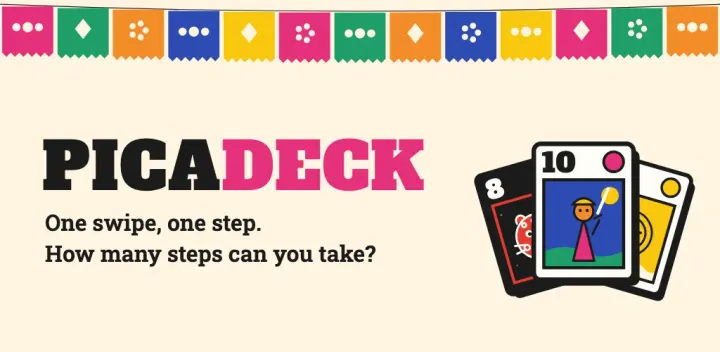
A monster. A potion. A sword. All of them are one swipe away.
You can only step onto one.
So which one, and what happens to the rest?
That small decision is the whole of Picadeck, and it is never quite the same twice. Your hero is a card that starts in the middle of a 3×3 grid. Swipe towards a neighbouring card and you step onto it. Whatever is on that card happens to you. Then the board moves, a new card flips in, and you face the same question again, with slightly different stakes.
Here is how to take your first steps, and why one more run is so tempting.
Picadeck is available for iPhone and iPad on the App Store and Android on Google Play in supported regions. Free to play with ads and an optional one-time Remove Ads purchase.


1. Meet your hero and read the board
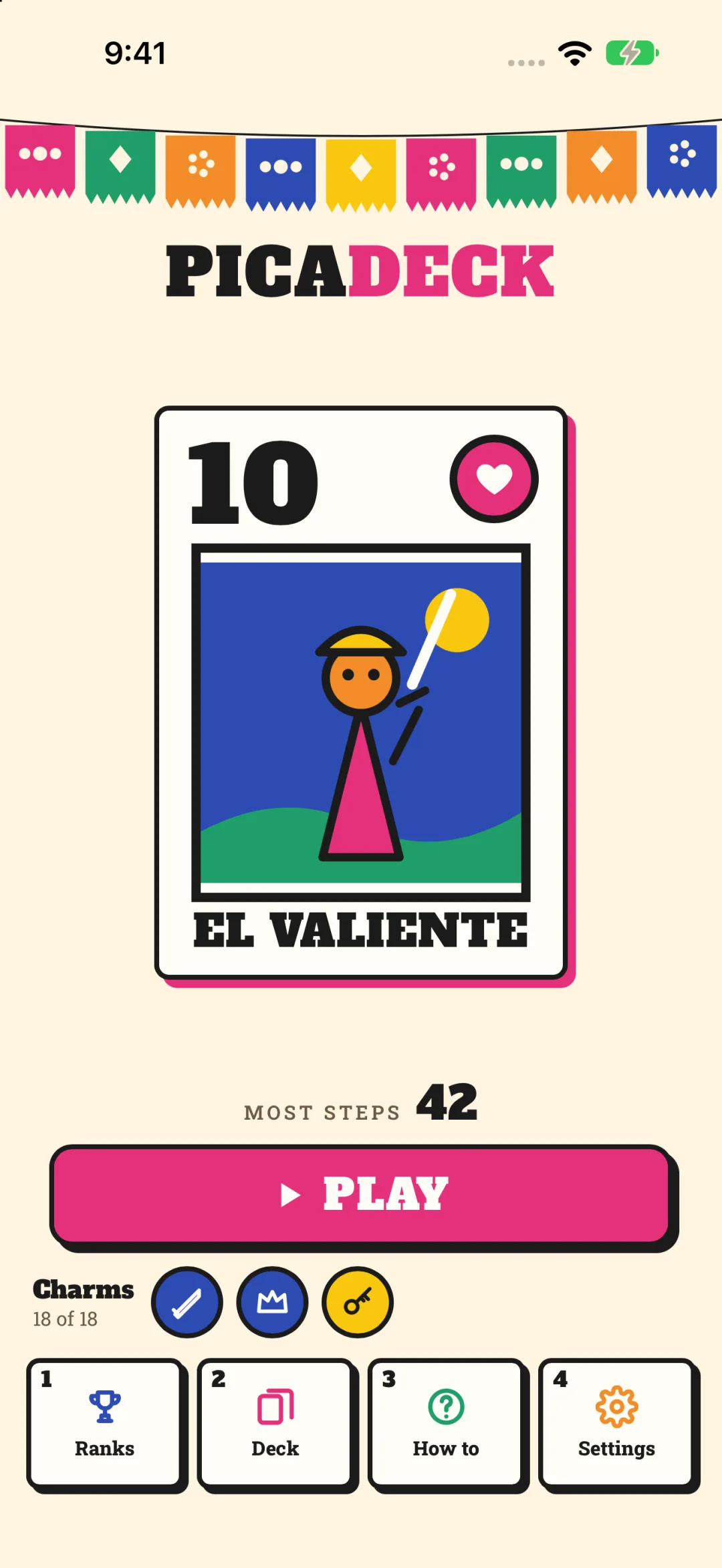
Your hero is the card with the pink frame. The big number in its corner is your HP. The small orange tab, when you have one, is your weapon. The goal fits in one sentence: take as many steps as you can before your HP runs out. Every swipe (or tap) is one step, and the STEPS counter at the top shows how far you have come. Your record is the most steps you have ever taken.
You do not need to memorise anything before you start. Your first run opens with a short practice that points at one card at a time and explains what happens when you step on it. By the end, you have fought, healed, armed yourself and dodged a trap.
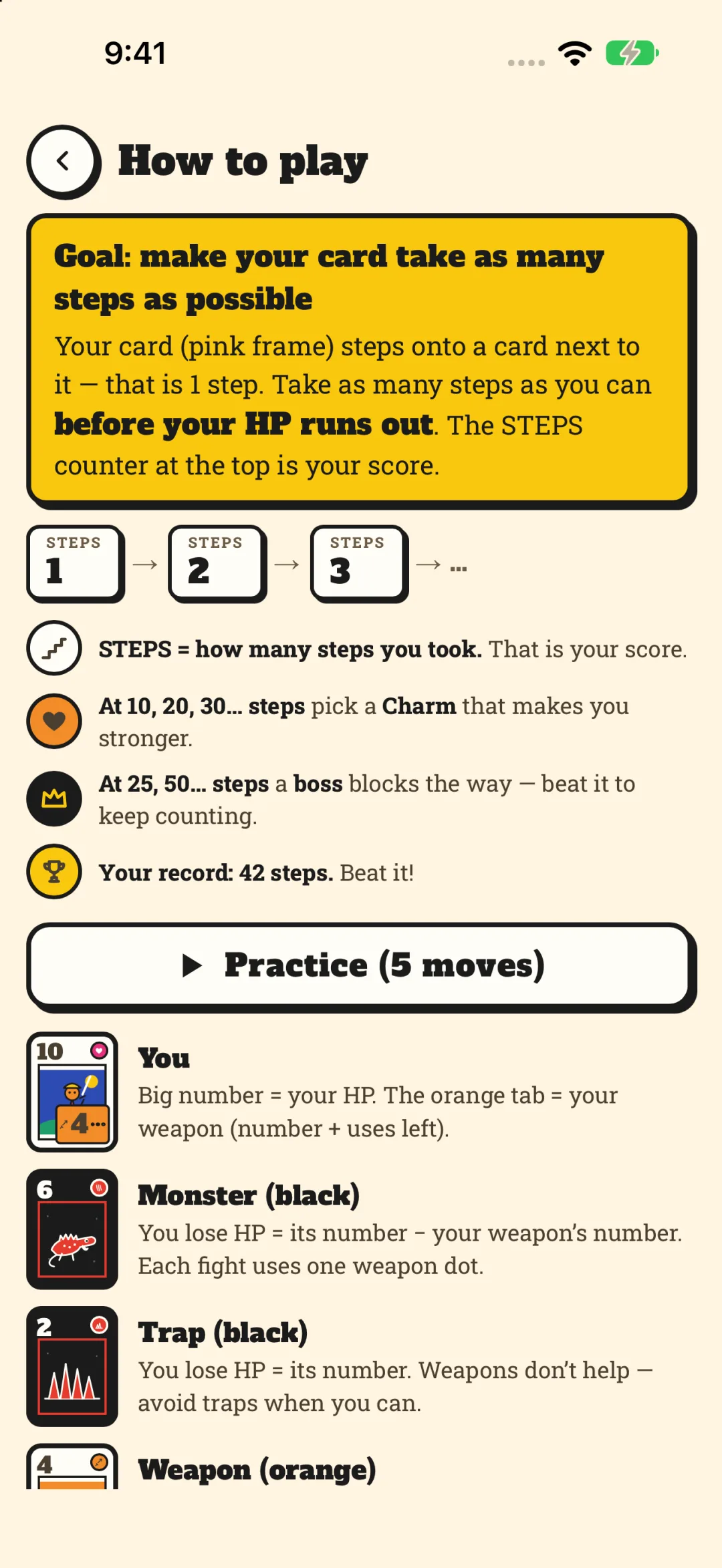
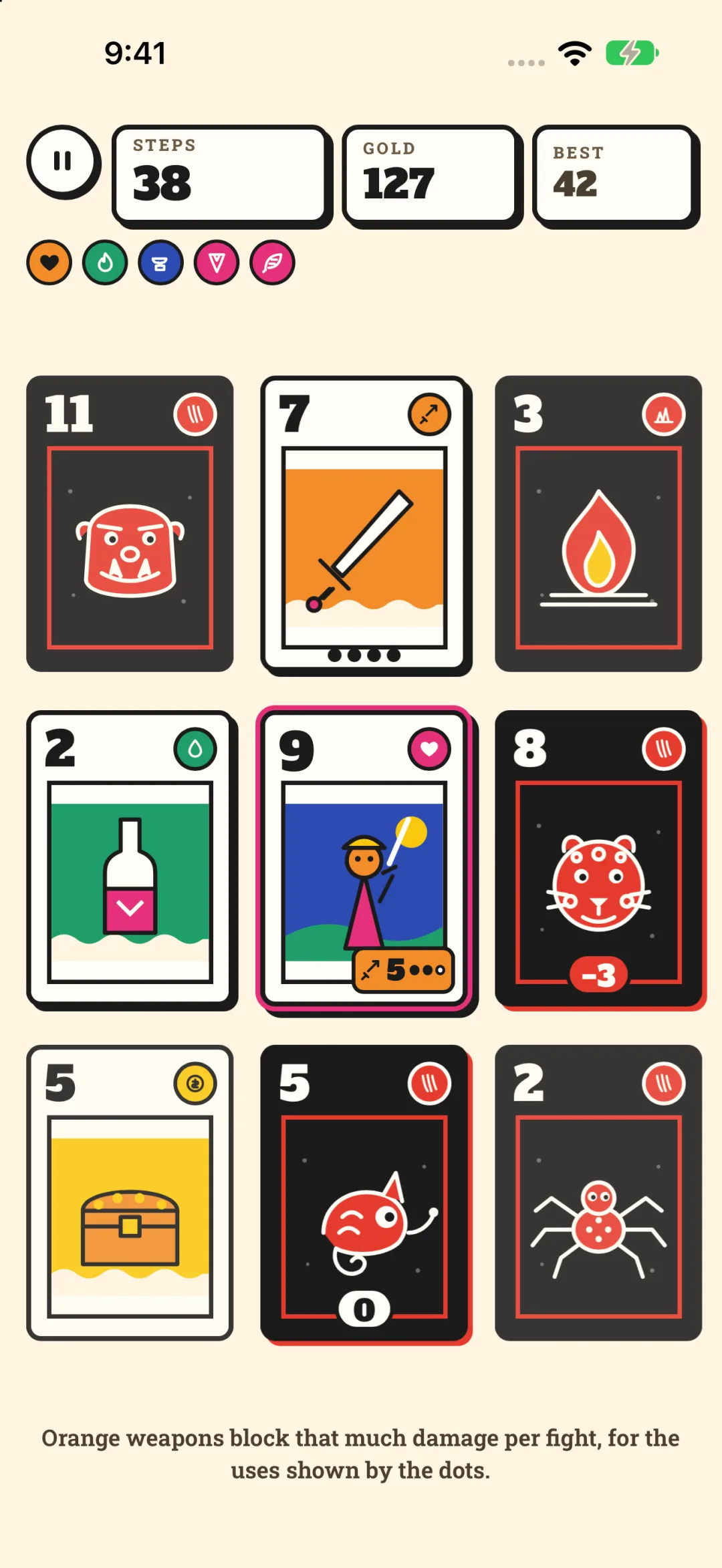
After that, the board talks to you in colours:
- Black cards hurt. A monster takes HP equal to its number, minus your weapon. A spike trap ignores your weapon completely.
- Orange cards protect. Step on a weapon to hold it. It blocks damage in every fight, and each fight uses up one of its dots.
- Green cards heal. A potion gives you HP back.
- Yellow cards are gold. Gold adds to your score.
Before each swipe, the game shows you what a fight will cost. A small red tag on a monster tells you how much HP you will lose if you step there now.
2. Watch what slides in behind you
This is the part that makes Picadeck click.
When you step, the cards behind you slide along after you, and a fresh card flips in at the end of that line. Nothing hides in fog: every card on the board is face up, so you can see exactly what the slide will pull towards you.
So the real question is never only “which card is best right now?” It is also “what will this step leave in front of me?” Taking the potion might pull a monster right next to you.
Try this on your next run: before you swipe, follow the line behind your hero and imagine where each card will end up. You will start spotting moves that look strange but leave you somewhere safe.
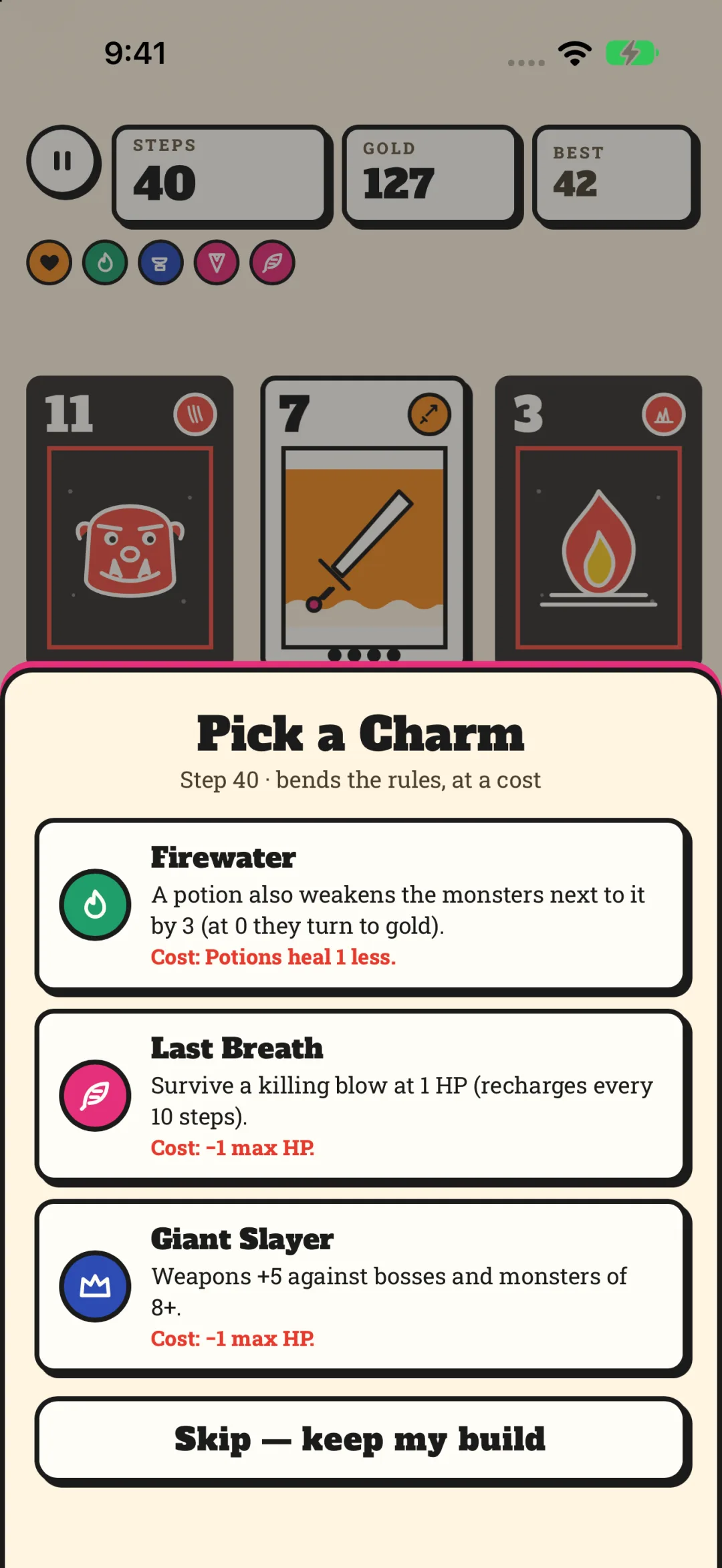
3. Pick a Charm, and pay for it
Every few steps, the run pauses and offers you three Charms. Each one bends the rules: a potion that also weakens the monsters around it, a Last Breath that keeps you alive at 1 HP, a weapon boost for big fights.
Every Charm also tells you its cost, in red, right under the effect. Fewer potions. Less gold. A lower maximum HP. Choosing one shapes the rest of your run, and skipping is always allowed. Half the fun is deciding which price you are happy to pay.
Push your record further, and keep adding steps across all your runs, and new Charms unlock.
4. Face the boss that blocks the way
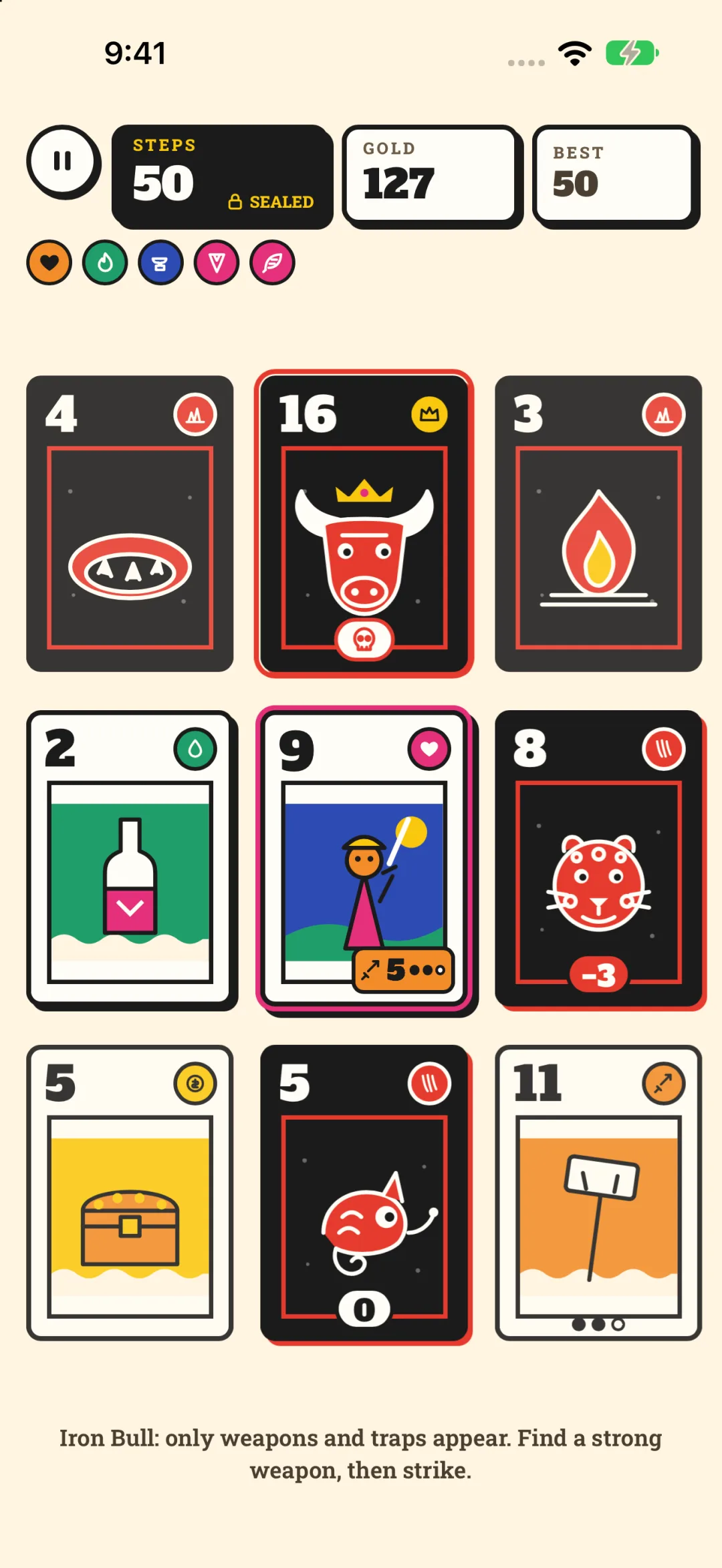
Sooner or later, a boss arrives. The game warns you a few steps ahead, and when it appears, your step counter seals. It will not move again until the boss falls.
While a boss is on the board, the cards that flip in change: no more potions, no more gold. What you prepared before it arrived is what you take into the fight.
And each boss has a rule of its own. The Iron Bull keeps the board to weapons and traps. The Serpent King brings far more traps. The Moon Owl grows stronger every step you leave it waiting. The warning gives you a few steps to get ready. How you use them is up to you.
Take your first step
Picadeck plays in portrait with one swipe or one tap per move, offline, in short runs, so it fits a commute or a coffee break. The cut-paper card art collects in your Deck as you meet each card, and on foldables held sideways the board sits beside a side column with your Charms; fold or unfold mid-run and keep playing. It is free to play with ads; Revive is optional, once per run, and a one-time Remove Ads purchase removes ads and makes Revive free.
And if a run ends earlier than you hoped, that is fine. Runs are short, your record waits on the Home screen, and the next board will deal you something new.
Open a run. Look at the cards in reach. Follow the line behind you.
Then swipe.
Explore more games from Patcell, visit Picadeck support or read its privacy policy. Images are official Picadeck store screenshots.
Your next move starts here
Play Picadeck
One swipe, one step. How many steps can you take?
Free to play · Ads & optional purchases
Official store downloads · Available in supported regions